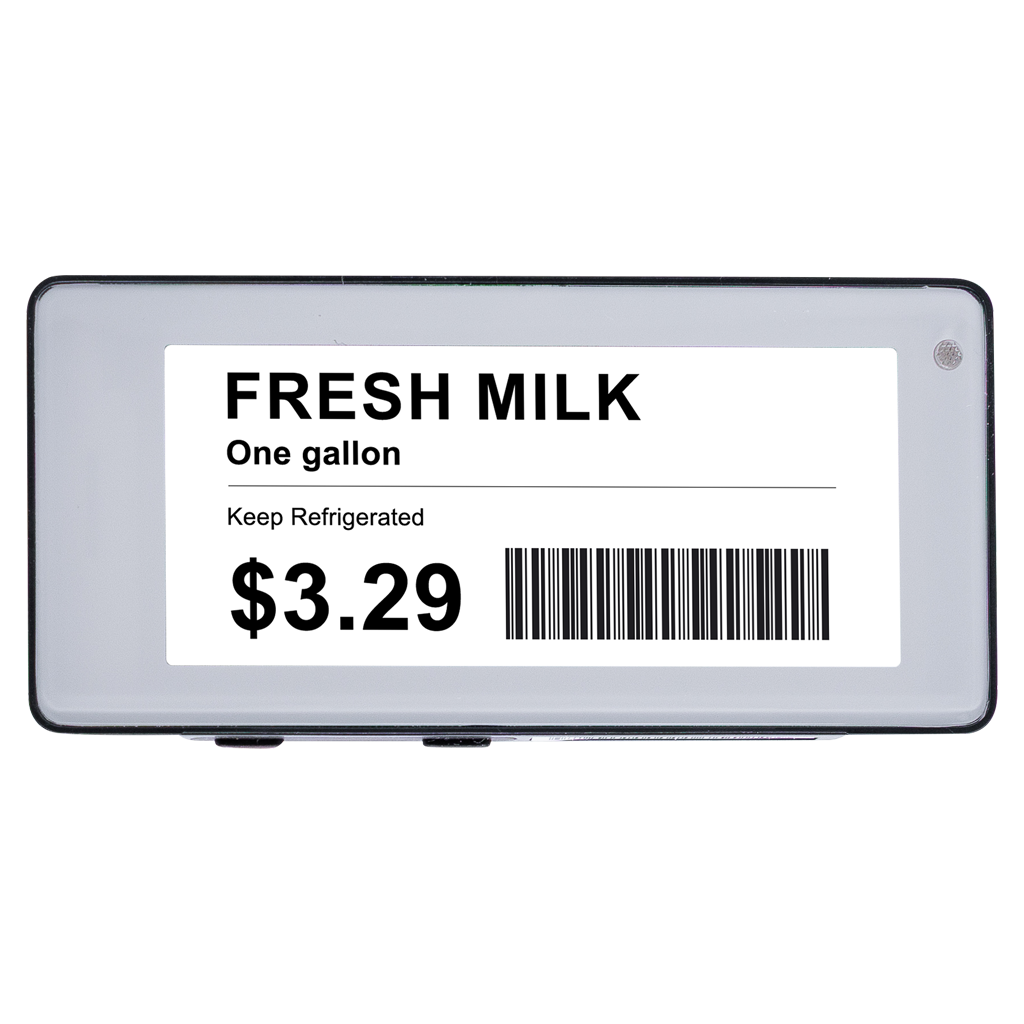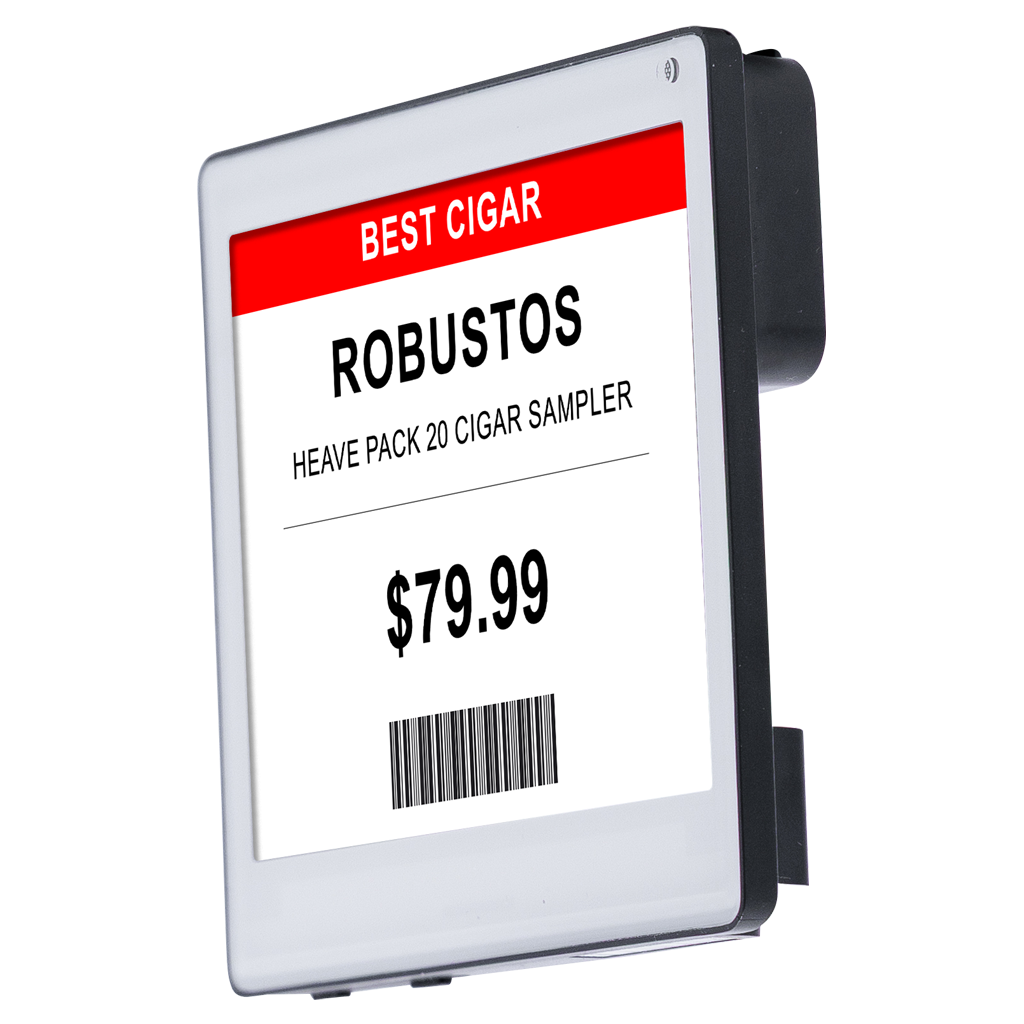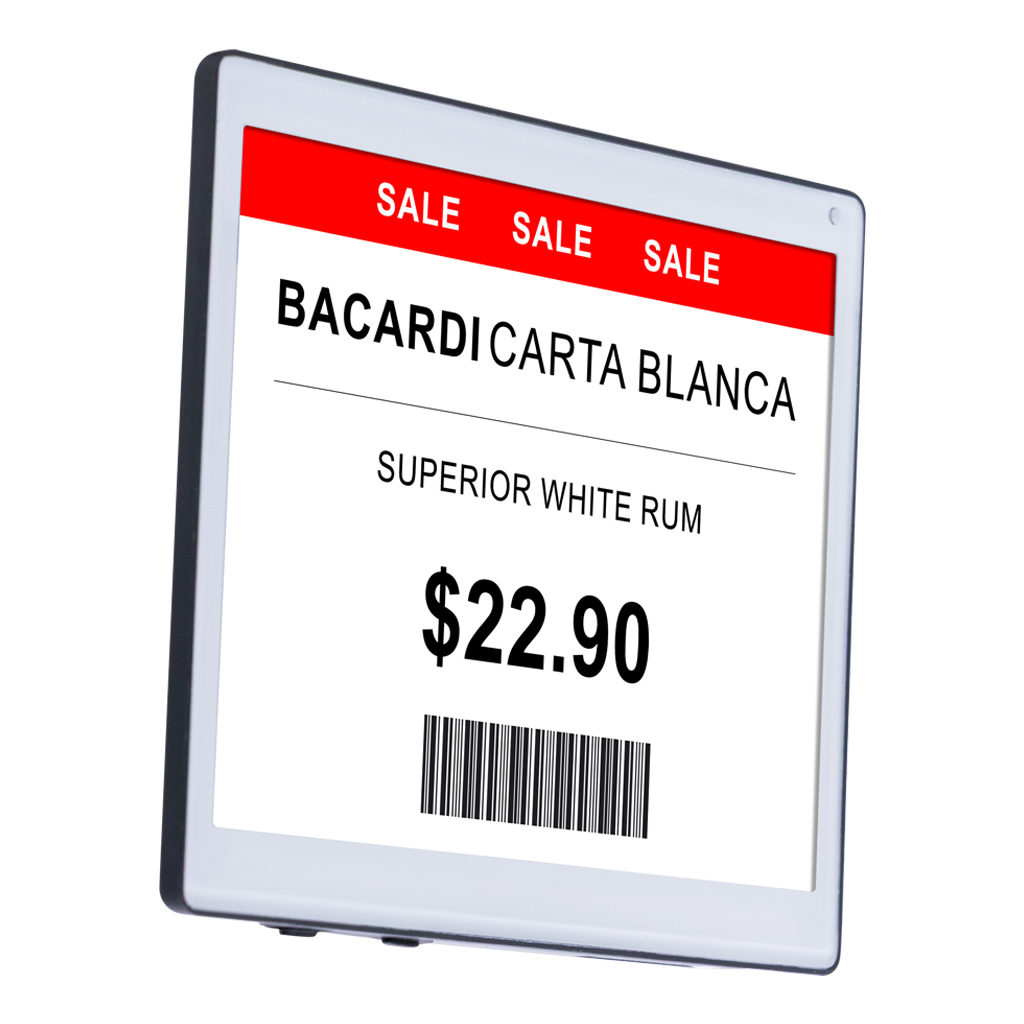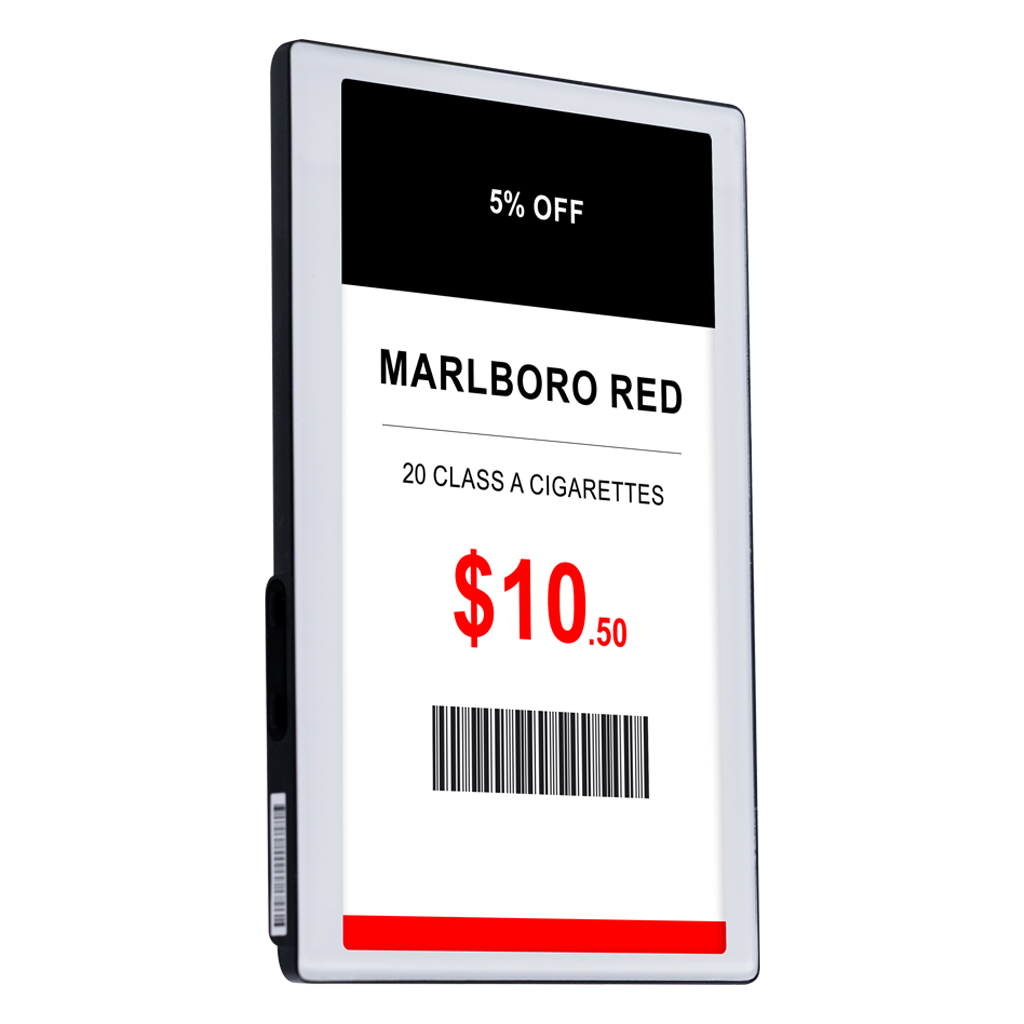

Automatically Update Shelf Prices in Real-Time

Change shelf pricing details in real-time with digital price tags, syncing directly with cloud POS
to eliminate the manual label-changing practice.

Digital Price Tags: How They Work

With digital price tags, updating prices is quick, easy, and automatic—no more manual label changes.
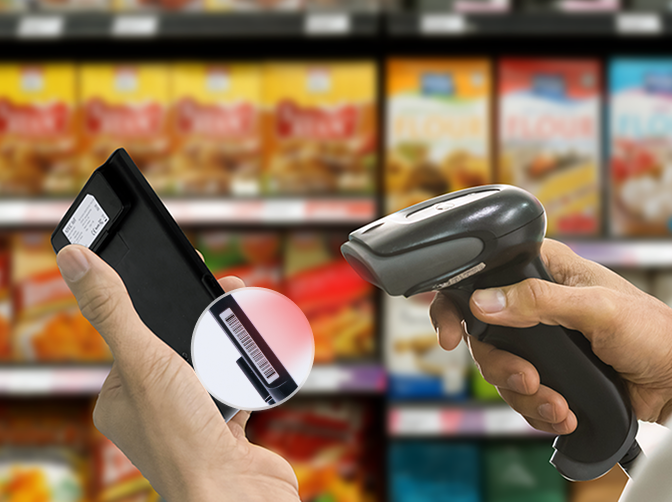
Step 1

Scan the barcode on the back or side of the shelf tag at the POS system
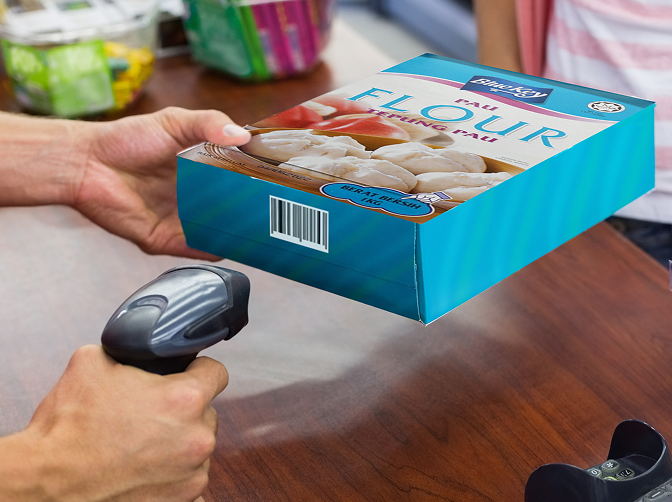
Step 2

Map the product to the tag using a quick lookup or POS scanner
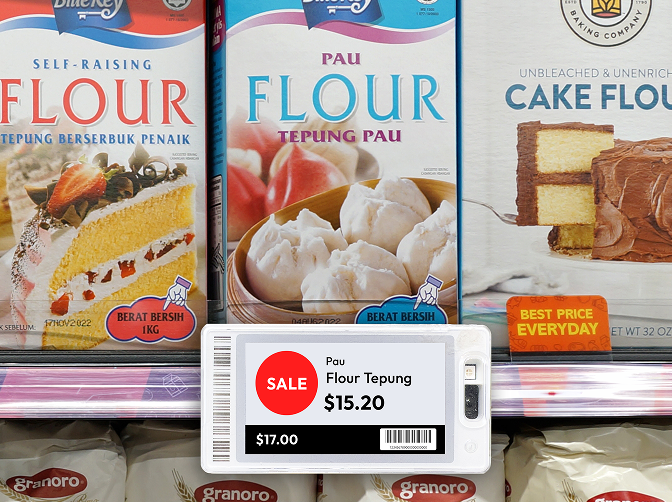
Step 3

Preview, save, and watch the tag update with real-time pricing and product info

Digital Price Tags: Features at a Glance

Our digital price tags automatically display up-to-date pricing and product information by syncing directly with your POS system.

Sync with POS Pricebook

Prices and product details are pulled directly from the POS pricebook, ensuring shelf pricing always stays current.

Automated Price Updates

When prices change in the system, digital price tags update automatically—no manual label changes required.

Multi-Store Price Updates

Push pricing updates across multiple locations at once, maintaining consistency from store to store.

Wireless Shelf Tags

Wireless connectivity allows digital price tags to update in real-time without manual intervention on the sales floor.
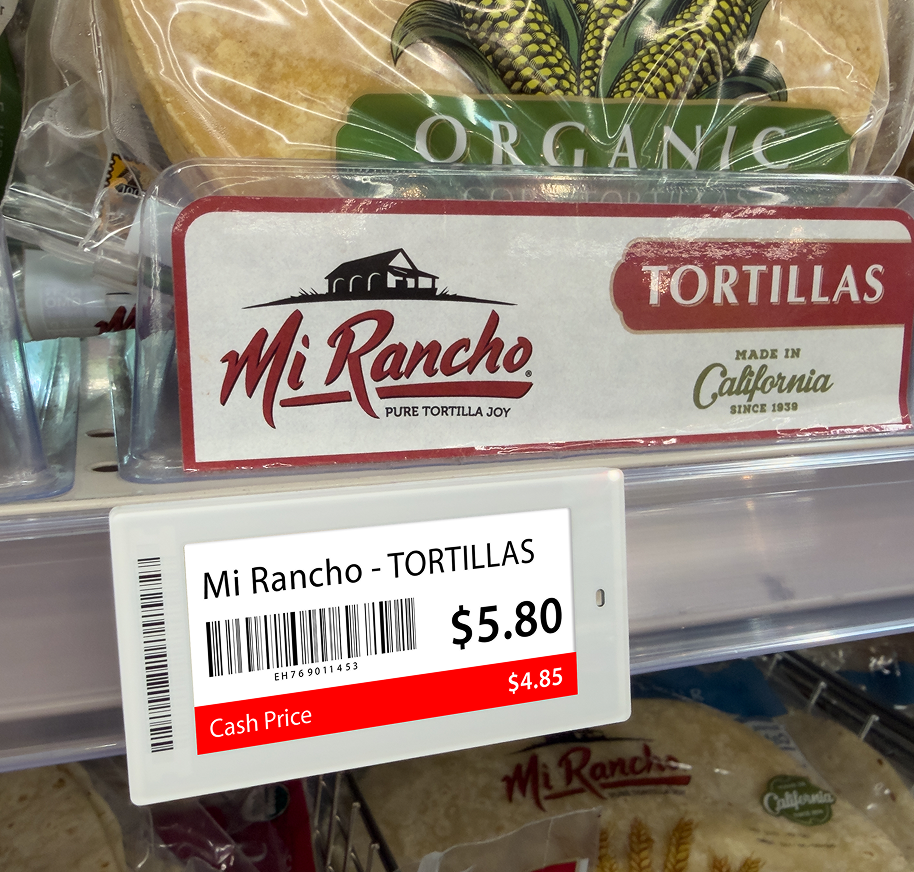
Why Retailers Choose Digital Price Tags

By replacing paper labels with automated pricing displays, digital price tags make pricing faster, more accurate, and easier to manage.

No Manual Tags

No Manual Tags

Say goodbye to printing, replacing, and correcting paper price tags throughout the store.

Timesaving

Timesaving

Automated pricing updates free staff from repetitive pricing tasks, allowing them to focus on customers.

Consistent & Accurate Pricing

Consistent & Accurate Pricing

Shelf prices always match the POS system, reducing errors and checkout disputes.

Improved In-Store Experience

Improved In-Store Experience

Clear, up-to-date pricing builds trust and creates a smoother shopping experience for customers.

Ready-to-Use Price Templates

Set it once and let predefined dynamic templates handle the rest—instant, consistent pricing across your store.

Specific Dynamic Templates

Display newly updated prices using built-in templates on electronic shelf tags. No manual efforts are required, like physical paper labels.

Automated Pricing Process

Once configured, digital price tag templates fetch live pricing updates directly from the POS system.

Managed from Central Panel

Control Center is responsible for keeping product prices aligned, accurate, and consistent throughout all aisles.

Time-Saving

As templates are already pre-configured and specific, retailers don’t need to invest much time and effort to set them up.

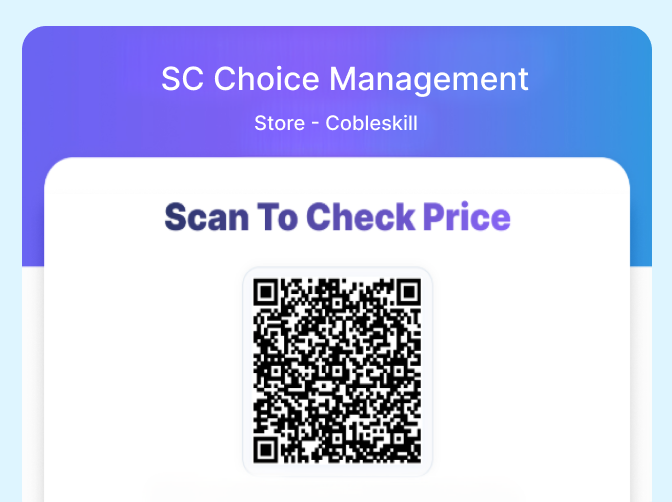
Let Shoppers Scan & Check Prices Instantly on Their Phones

Give customers instant access to accurate product pricing and details right on their own device with in-store
QR code scanning—no confusion, no disputes.

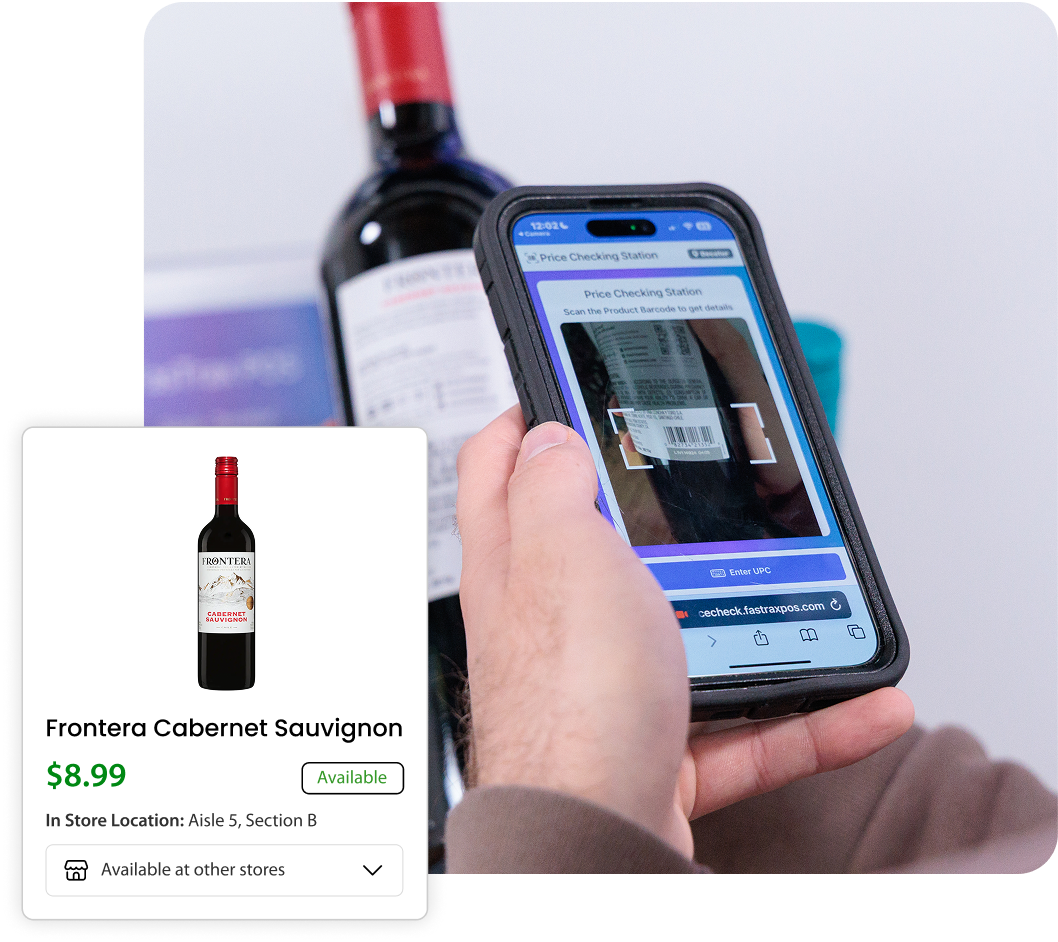
QR Code Price Checker: How It Works

Step 1

Open mobile camera

Step 2

Scan the in-store QR code

Step 3

Scan the product barcode

Step 4

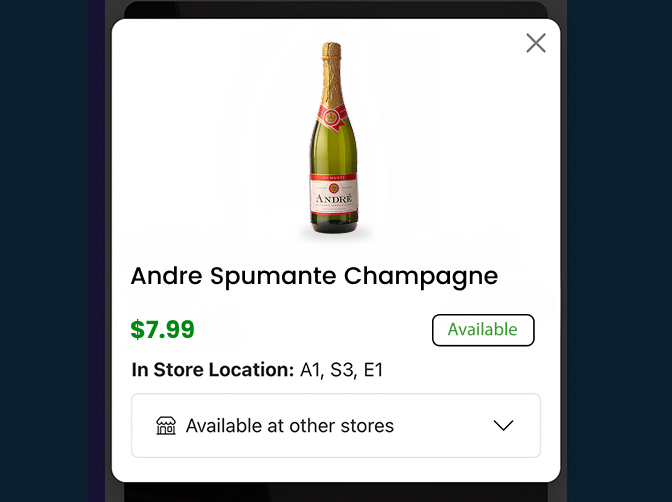
View pricing & product details

What the QR Code Price Checker Can Do

The QR code price checker gives shoppers instant access to accurate pricing and product details right from their own device—no staff assistance needed.

Simple QR Code Scanning

Shoppers scan an in-store QR code using their phone’s camera no-downloads, logins, or extra steps.

Real-Time Price & Product Lookup

Pricing and product details are pulled instantly from the POS system, so customers always see the most up-to-date information.

Mobile-Friendly Display

Results are displayed clearly on the customer’s own device, making it easy to review pricing and product details on the spot.

Designed for In-Store Use

Built specifically for retail environments, the QR code price checker works seamlessly on the sales floor where customers need it most.
QR Code Price Checker

The Benefits of the QR Code Price Checker

From faster price checks to fewer interruptions, the QR code price checker improves the experience for both shoppers and staff.

Eliminates Price Confusion

Eliminates Price Confusion

Customers can quickly confirm pricing themselves, reducing misunderstandings and checkout disputes.

Reduces Staff Interruptions

Reduces Staff Interruptions

Free your team from frequent price-check requests so they can stay focused on customer service and sales.

No Mobile App Required

No Mobile App Required

Shoppers use their existing phone camera and browser—nothing to download, nothing to install.

Creates a Frictionless Shopping Experience

Creates a Frictionless Shopping Experience

Faster price checks, fewer delays, and more confident purchasing decisions improve the overall in-store experience.

Faster & Transparent Price Lookup at the Aisle

Enhance the in-store experience with quick, frictionless, and frustration-free price lookups right on the sales floor.

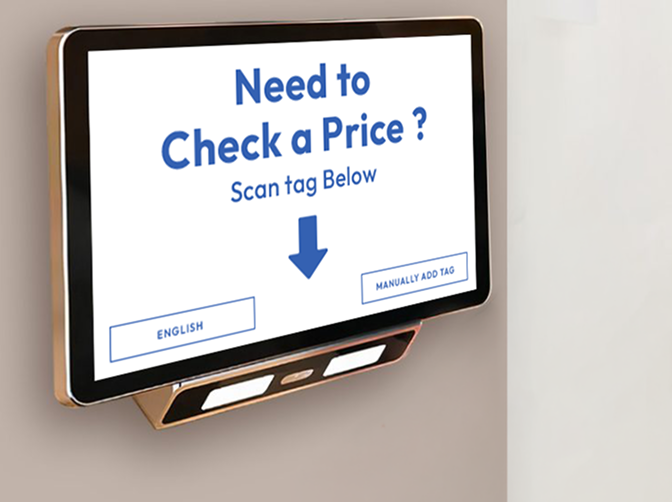
Price Checker Hardware Station: How It Works
Step 1

Customer accesses the hardware

Step 2

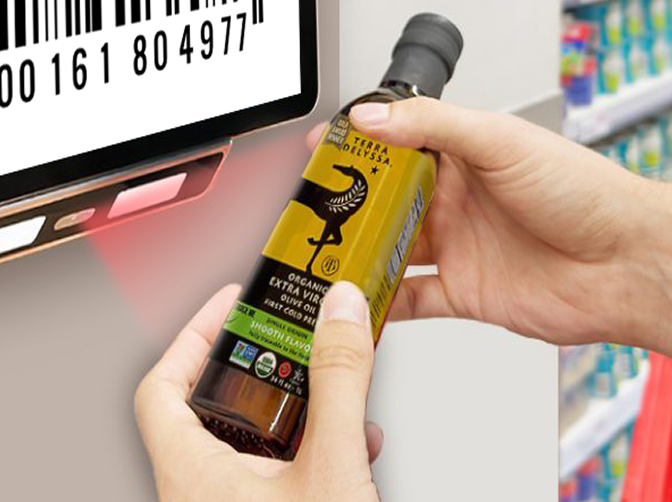
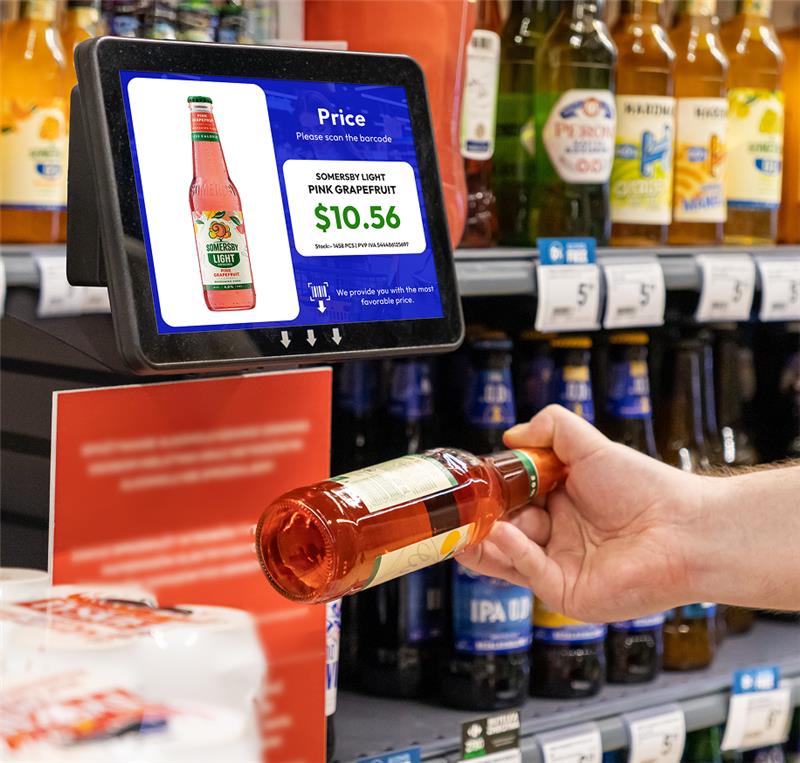
Hardware unit scans the product

Step 3

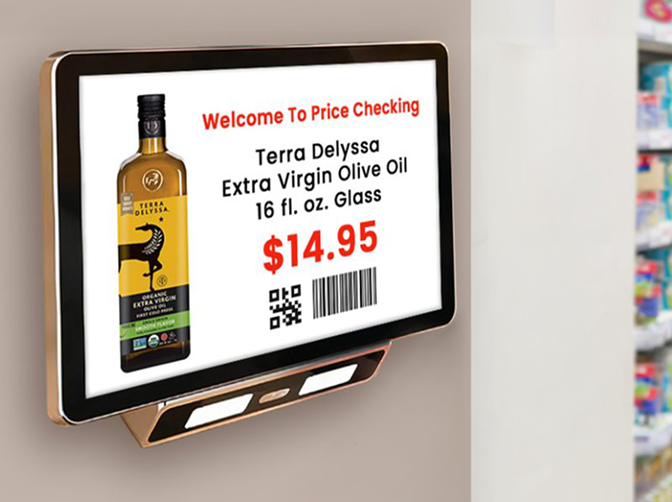
Display product price and
details on screen

Key Features of Price Checker Hardware

Price checker hardware gives shoppers a fast, self-service way to verify
prices directly on the sales floor.

Interactive Hardware

Designed for ease of use, the interactive display allows shoppers to check prices quickly without assistance.

Built-In Scanner

Customers can scan items instantly to view accurate, real-time pricing pulled directly from the POS system.

Digital Signage Integration

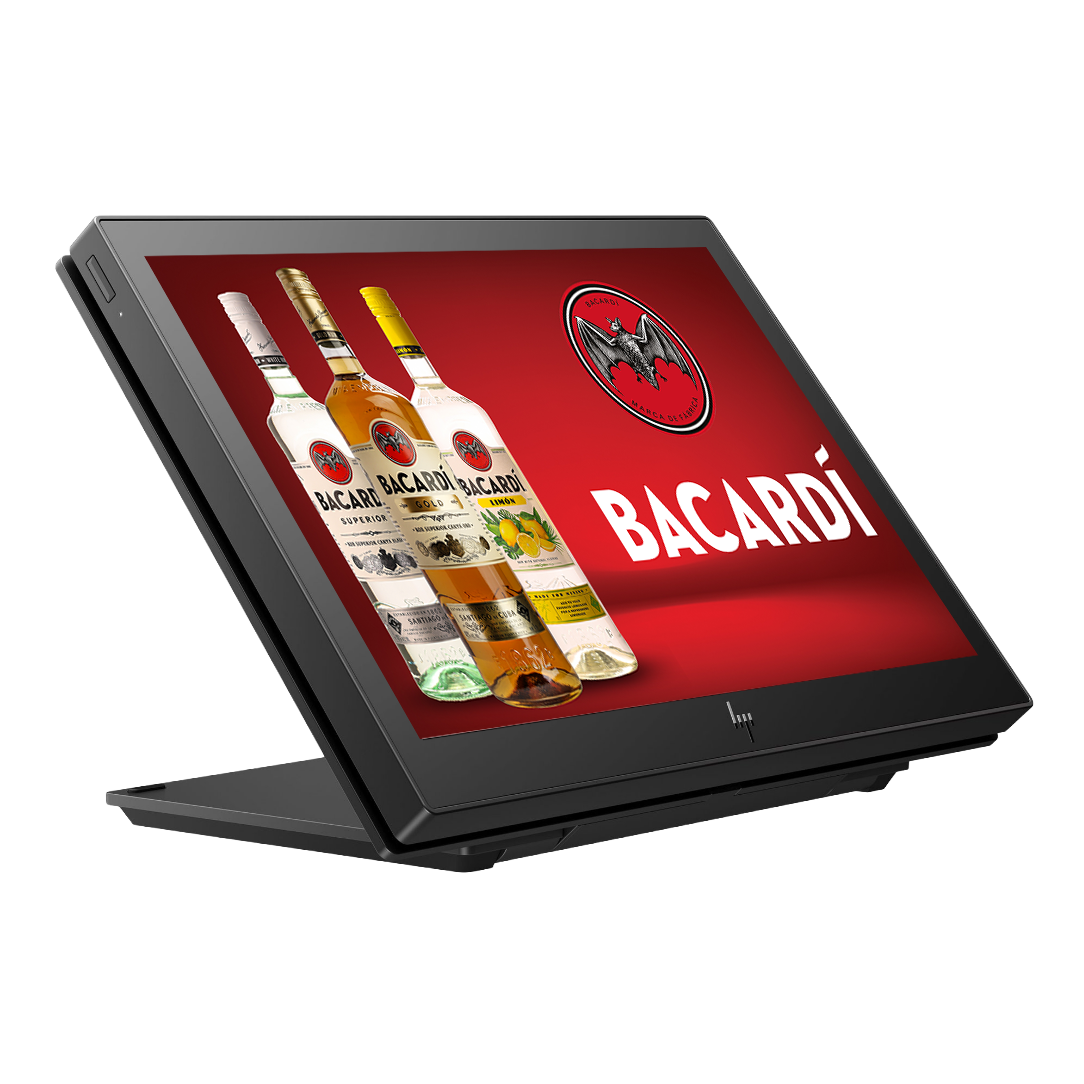
Price checker hardware can double as digital signage, displaying promotions, product information, or store messaging when not in use.
What Makes the Price Checker Hardware Worth It

By placing price lookup directly in the aisle, price checker hardware improves efficiency for both customers and staff.

Reduced Price-Check Inquiries

Reduced Price-Check Inquiries

Shoppers can verify prices on their own, reducing interruptions and freeing up store associates.

Faster Checkout Process

Faster Checkout Process

When customers know the price before reaching the register, transactions move more smoothly and quickly.

Reduced Customer Frustration

Reduced Customer Frustration

Clear, accessible pricing helps eliminate confusion and creates a more confident, stress-free shopping experience.

Hardware Units

Hardware units power your digital shelf pricing, ensuring that updates from your POS system flow instantly and accurately to every aisle.
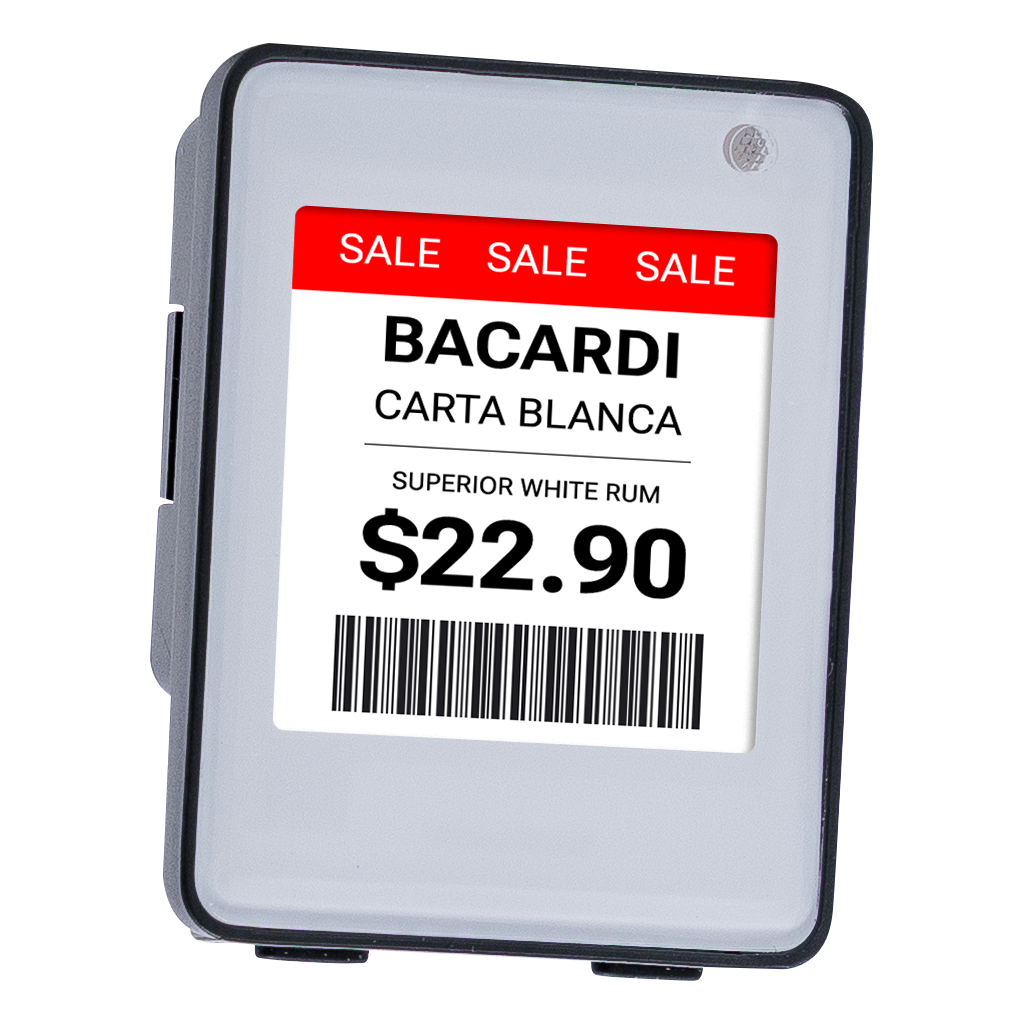
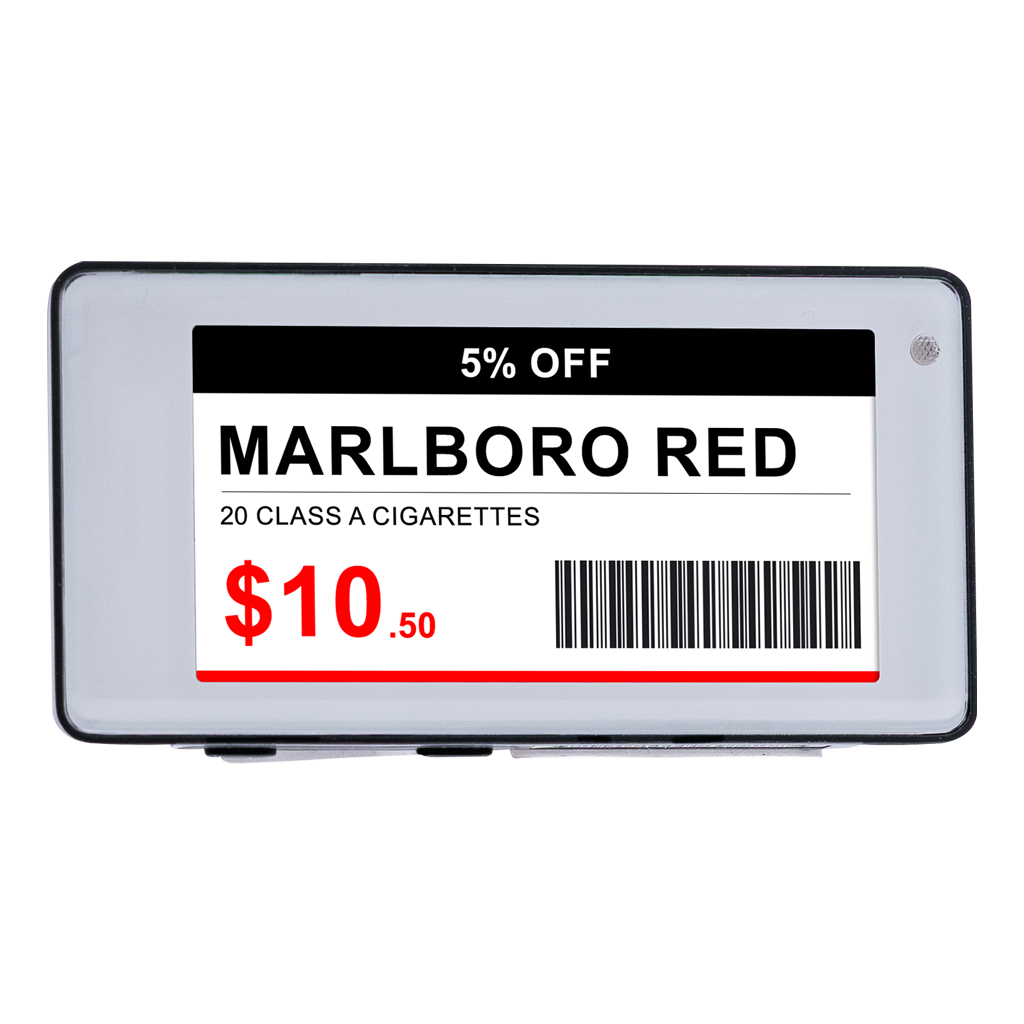
Air 3 1.5″
Air 3 1.5″

A versatile, cost-effective electronic shelf tag that keeps pricing consistent—offered in multiple sizes for all your shelving needs.

Air 3 2.1″
Air 3 2.1″

Keep pricing details consistent with a flexible, budget-friendly digital price tag, especially designed to suit different shelving requirements.

Air 3 2.9″
Air 3 2.9″

A cost-effective and reliable electronic shelf label solution that maintains pricing accuracy and reflects pricing changes in real-time.

Air 3 4.2″
Air 3 4.2″

A versatile electronic shelf tag that offers consistent pricing throughout your brick-and-mortar store. Suitable for all types of shelving.

Air 3 5.8″
Air 3 5.8″

Eliminate all pricing-related discrepancies in physical stores with this efficient electronic shelf label solution by syncing with the POS system.

Air 3 7.5″
Air 3 7.5″

Keep in-store product pricing details in sync to eliminate pricing confusion and inconsistency. Designed for flexibility and value for retailers.

Gateway
Gateway

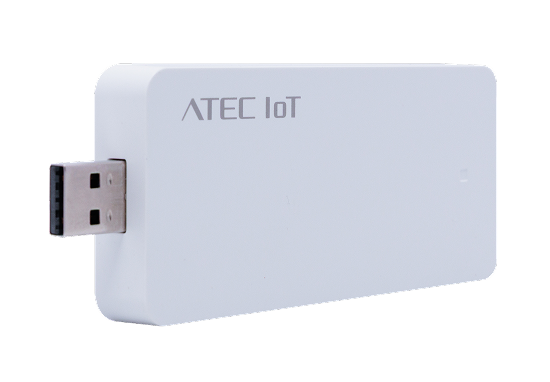
A device from which digital price tags receive price change signals from the POS system.

Pricing Automation That Works in Real-Time or on Your Schedule

Go beyond with advanced tools that let you update, schedule, and manage pricing
across signage, menus, and products from one POS system.
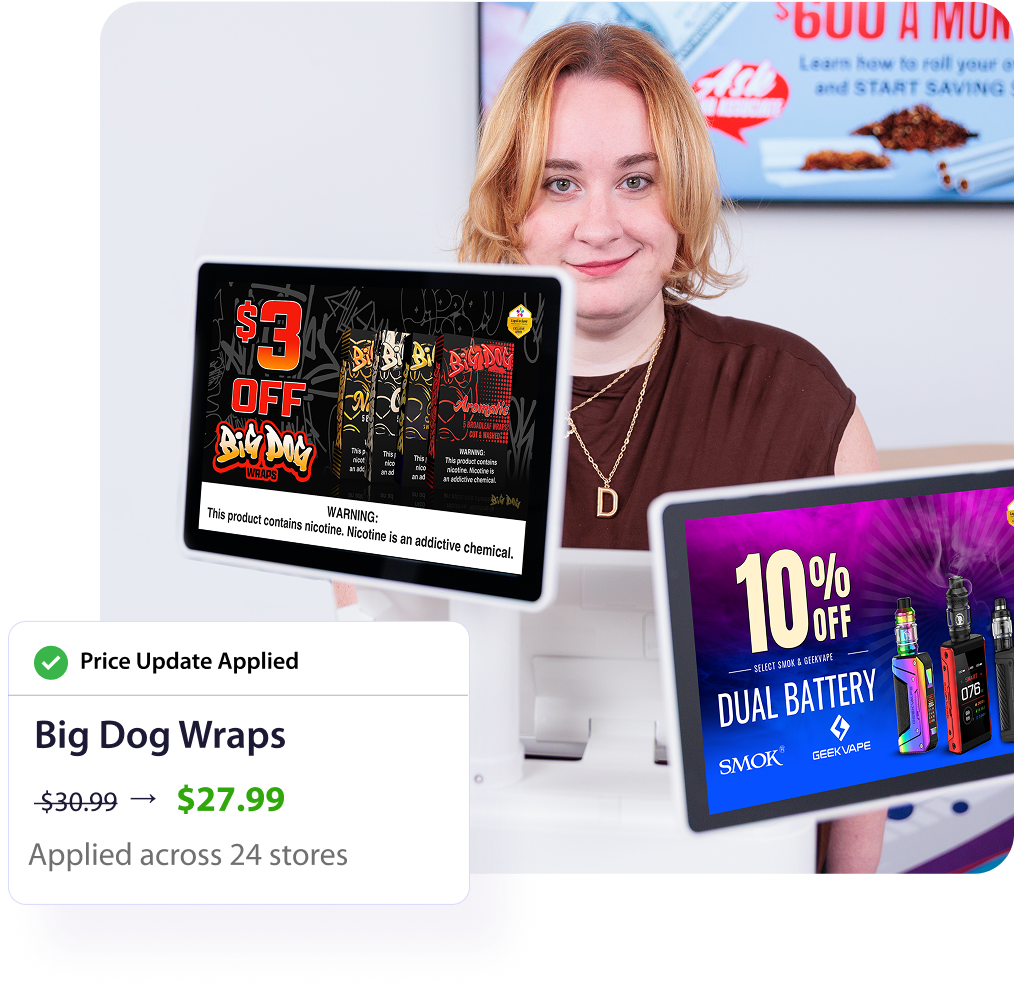
Pricing Automation That Works in Real-Time or on Your Schedule

Mass Updates: The Ultimate Pricing Automation Feature

Change prices for multiple products in seconds—instantly or scheduled—keeping your store accurate, efficient, and on track.

Apply Price Updates Instantly

Instantly make changes to multiple products at once, saving you valuable time.

Schedule Price Updates Ahead of Time

With the Mass Updates Queue, schedule large-scale price changes in advance and let them go live at the right time.

Scales for Any Store Size

Built to scale effortlessly, from one-store retailers to multi-location chains with thousands of stores.
How To Update Item Price FAST with Mass<br> Updates (FTx POS)

How To Update Item Price FAST with Mass
Updates (FTx POS)
Schedule Mass Price Changes for Products<br> (Mass Updates Queue)

Schedule Mass Price Changes for Products
(Mass Updates Queue)
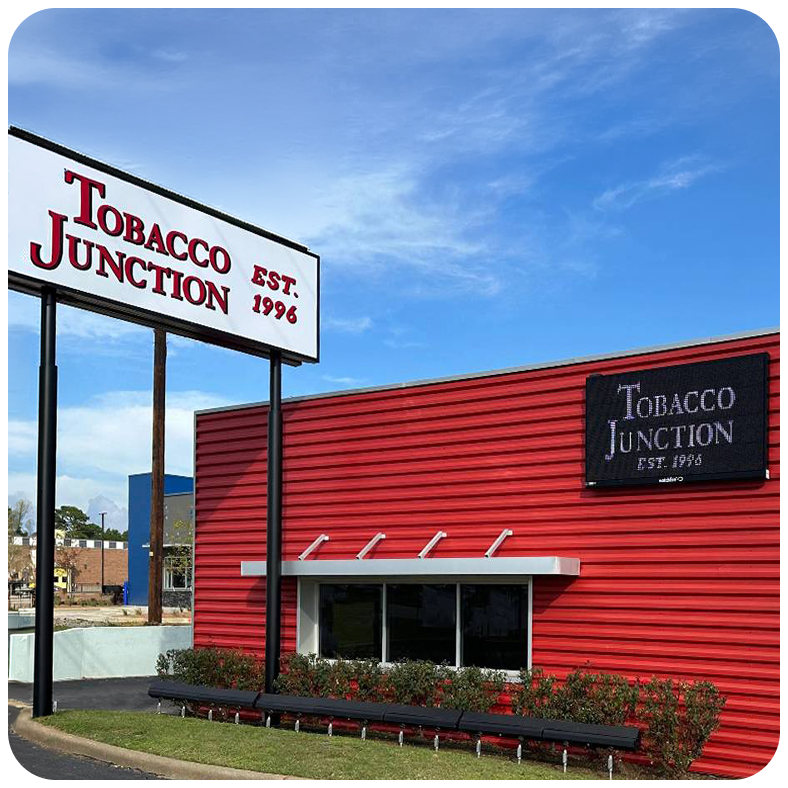
Tony Cooper, Tobacco Junction (USA)

Testimonial

"Mass updates are hands down my favorite FasTrax feature. Being able to work with a very large data set, configure the data so that what you’re seeing on the screen can be reconciled with what’s going through your brain – boy, it's huge; it is such a timesaver."

Tony Cooper, Tobacco Junction (USA)

Consistent Pricing Everywhere, Online & In-Store

Ensure online prices are always identical to your POS and in-store pricing with automated and
real-time backend updates, maintaining accuracy.

Consistent Pricing Everywhere, Online & In-Store

Shared Pricebook—Powering In-Store & Online Inventory

A shared pricebook keeps your in-store and online inventory in sync, making pricing consistent, accurate, and easy to manage.

Unified Pricebook for Consistent Omnichannel Pricing

Manage pricing and inventory from a single pricebook that keeps in-store and online sales synced with consistent customer prices.

Schedule Changes

Schedule price updates and let them go live at the specified time across online and in-store channels.

Reduced Pricing Errors

Eliminate discrepancies, mismatches, and manual mistakes in product pricing with centralized, automated price updates.

How Pricing Automation Helps Your Store

With pricing automation, retailers can save time, avoid mistakes, and keep prices consistent everywhere.

Save Time and Labor Costs

Automate repetitive price updates and reduce the hours your staff spends manually changing prices, freeing your team to focus on customers.

Consistent and Accurate Pricing

Ensure prices are always aligned across registers, digital tags, and online channels, eliminating mismatches and checkout disputes.

Transparency and Trust

Accurate, real-time pricing builds confidence with shoppers, making every purchase straightforward and reliable.

Central Control on Price Updates

Manage pricing from Control Center, so changes roll out instantly across all stores, aisles, and systems.

Improved Retail Efficiency 

Streamline store operations with automated workflows that reduce errors and speed up daily tasks. 

Effective Marketing

Easily implement promotions, discounts, and special offers, making it simple to respond to market trends and shopper behavior. 

Easily Scalable

Whether you’re managing a single store or a chain of locations, pricing automation scales effortlessly to meet your business needs.

Pricing Automation Made Simple with FTx Solutions

Implement Pricing Automation with FasTrax

Get Started with FasTrax

Bring real-time pricing to your store—fast, simple, and hassle-free.

01

Get in touch
with our sales team.

02

Share your
custom requirements.

03

Set up pricing automation
for your retail store.

04

Launch
automated prices.

Knowledge Center: Retail Pricing Automation

Discover working solutions for manual pricing challenges and see how automation solves them.
Get practical tips and guidelines to eliminate manual price updates and maintain pricing
consistency across your store.

FAQs

Pricing automation is a system that automatically updates and manages product prices across your retail operations without needing to manually change each price one‑by‑one. In FTx POS, our automated pricing tools let you adjust prices centrally and push those changes in real-time across registers and integrated systems.

In a POS system like FTx, pricing automation works through a centralized pricebook and backend tools. Retailers make price changes in the POS or control center, and those updates sync instantly to terminals and connected systems. If digital price tags are integrated, updates are pushed to them automatically—eliminating manual re‑labeling.

Pricing automation helps:

  • Save time by eliminating manual price changes on every shelf or terminal.
  • Reduce errors because pricing updates come from a single, authoritative system.
  • Keep pricing consistent across stores, registers, and digital displays.
  • Respond faster to promotions or market changes since prices update instantly.

With FTx POS, retailers maintain a centralized pricebook and manage prices from one backend location. Automated syncing ensures all connected systems (registers, displays, digital tags) pull pricing from the same source, which significantly reduces mismatches or errors.

No. FasTrax’s QR price checker works directly through a smartphone browser—customers simply scan the QR code with their phone camera and view real‑time pricing, without downloading an app.

Yes. Because the QR code price checker pulls pricing and product information in real-time from the POS system, it shows accurate, up‑to‑date prices and details directly on the customer’s phone.

Price checker hardware refers to dedicated in‑store devices (like scanners or kiosks) that let shoppers scan a barcode or tag to view pricing information. Some retailers integrate this hardware with the POS for in‑aisle price lookup.

Digital price tags, or electronic shelf labels, are small electronic displays attached to store shelves that show a product’s price. Integrated with the POS pricebook, they automatically update when prices change in the system—no paper labels required.

Digital shelf labels help ensure the price shown on the shelf always matches the price in the POS system. Because updates are automatic and real-time, this reduces pricing mismatches, disputes at checkout, and the need for staff to manually change paper tags.

FTx POS supports real‑time price updates—once your products are in the pricebook and the system is configured, price changes and automation can take effect immediately. Retailers can begin using these tools as soon as their POS setup is complete and products are imported into the system.

Yes. FTx POS lets you use a centralized pricebook with multi‑store support, so pricing automation can push updates across all your locations from Control Center.

Yes. FTx POS includes features like mass updates, multi‑zone pricing, and built‑in discount tools that automate promotional pricing and discounts across products and locations.

One Price, Every Channel—Automatically

Learn how pricing automation technology saves time, reduces pricing errors, and keeps prices consistent on all channels.