









Meet FTx Chat, the Lifeline Bot Built for FTx POS Control Center
March 10, 2026
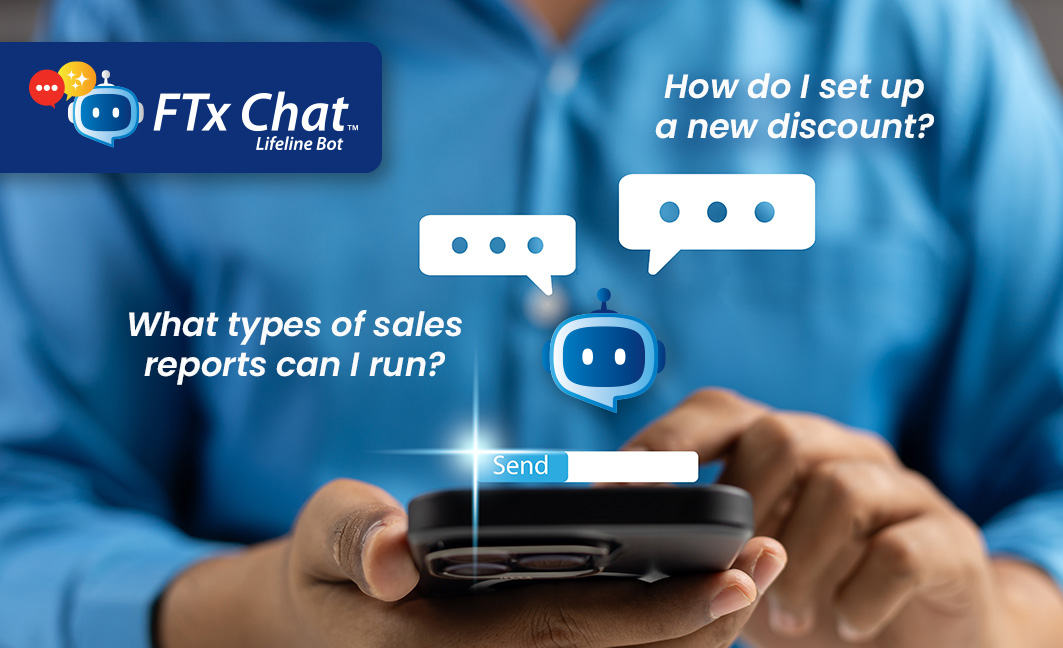
FTx Chat helps retailers navigate FTx POS Control Center with quick answers, setup instructions, and guidance for reports, inventory, loyalty programs, and other POS features—while continuing to work alongside our renowned 1-on-1 support team whenever additional help is needed.
Retail moves fast. Whether you’re setting up a feature, running a report, or finding a setting, you need answers quickly—without digging through documentation.
That’s exactly why we at FasTrax built FTx Chat, our Lifeline Bot. Think of it like a helpful friend sitting right next to you, ready to point you to the right information for everything from POS setup to inventory management, reports, loyalty campaigns, and more.
Whenever you need a quick answer, step-by-step instructions, or just a nudge in the right direction, FTx Chat has your back—without replacing your usual support options like calls, emails, or tickets. It’s extra guidance whenever you need instant answers for any functionality within FasTrax.
Introducing FTx Chat: Your Control Center Companion
FTx Chat is an AI-powered support assistant designed to help you find answers fast and learn how to navigate Control Center like a pro.
It’s trained on FasTrax’s knowledge base, so it can walk you through feature setup, system navigation, and common “how-to” questions—step by step.
Need to set up a discount? Looking for the right report? Curious about EDI? Just ask, and FTx Chat will guide you through it, pointing you to the right tools and training resources along the way. It’s all about helping you work smarter, not harder.
Main Features That Make FTx Chat Your Go-To Assistant
Instant AI Assistance
Need an answer fast? FTx Chat delivers it right there in Control Center—no digging, no delays.
Knowledge Base Integration
It pulls information straight from FasTrax training resources, so you’re always getting accurate, up-to-date guidance.
Step-by-Step Feature Guidance
Whether it’s discounts, loyalty campaigns, reporting, or inventory management, FTx Chat walks you through setup like a friend showing you the ropes.
Conversation History
Your chats are automatically saved. Come back anytime to pick up where you left off.
Organized Support Threads
Rename or delete your conversations—your chat history, your way.
What FTx Chat Can Help With
FTx Chat is built to tackle the everyday questions retailers face, providing guidance right when you need it, such as:
- Setting up a new discount
- Creating a Loyal-n-Save campaign
- Understanding and configuring EDI
- Running specific reports
- Exploring the types of sales reports available
- Submitting scan data reports
From POS settings and inventory management to reporting, pricebook management, digital signage, ecommerce, and loyalty, FTx Chat makes finding the answers you need fast, accurate, and hassle-free.
Why It Matters
FTx Chat isn’t just answering questions—it’s about making Control Center easy, approachable, and efficient.
Faster Navigation
No more blindly searching through menus. It points you exactly where you need to go.
Built-In Training
Learn the platform as you go, with helpful explanations pulled right from the knowledge base.
Instant Support
Need guidance now? It’s ready when you are—no waiting, no extra steps.
Smarter Organization
Saved conversations mean you can revisit instructions anytime and keep everything in order.
The result? Less time searching, more time running your store.
Get Started with FTx Chat
FTx Chat is available within our Control Center, giving you quick access to answers, step-by-step instructions, and guidance whenever you need it.
- 1. Sign into your FTx Control Center account.
- 2. Click “FTx Chat” in the footer (available on any page).
- 3. Ask your question to the FasTrax AI bot.
- 4. Get step-by-step guidance and helpful training resources.
- 5. Save or revisit conversations anytime—your chats are automatically stored so you can pick up right where you left off.
Because FTx Chat is embedded directly in Control Center, help is always just a click away.
Start Using FTx Chat & Make Navigating Retail Tasks
Already A FasTrax Customer? Check Out FTx Chat New To FasTrax? Switch To FTx POS & Experience FTx Chat
Easier Than Ever